You were first introduced to MyLanguageBird in Part 1 of the training, when you learned how to set up your availability using the calendar. Since then, you’ve already seen how MyLanguageBird functions as the central hub for scheduling and planning your teaching.
MyLanguageBird is the platform you’ll use every day to manage your work at LanguageBird. It brings together scheduling, lesson management, student information, and administrative tasks in one place, helping you stay organized and focused on instruction.
This MyLanguageBird Essentials section builds on what you’ve already practiced and expands your familiarity with the platform’s everyday tools. You’ll find short tutorials that walk you through each main page so you know where to go and how to use MyLanguageBird efficiently as you teach.
The tutorials in this section will cover:
- Home – your at‑a‑glance dashboard for key actions and notifications
- Calendar – managing availability, scheduled lessons, and time off
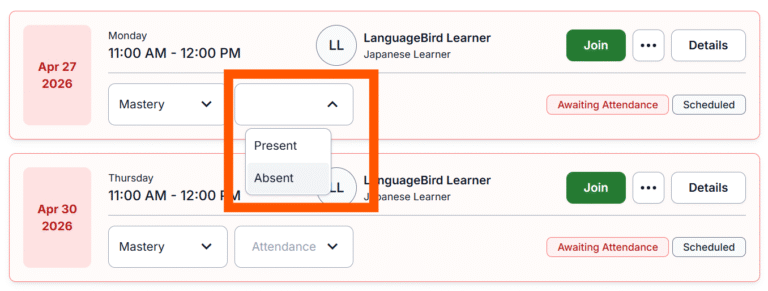
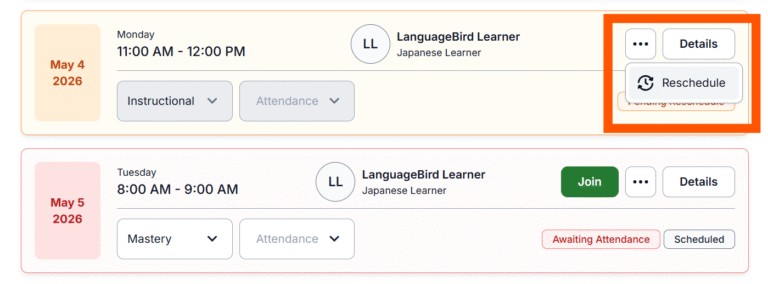
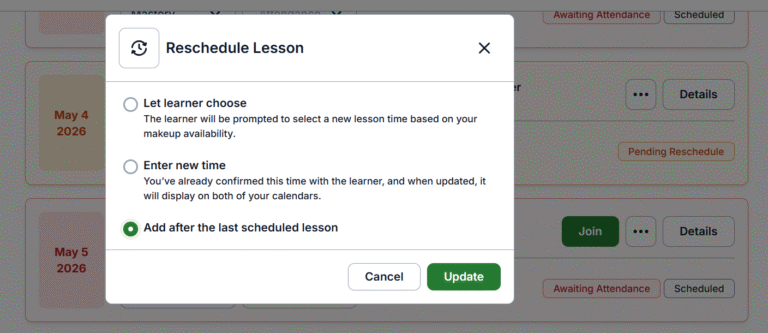
- Lessons – accessing lesson details, taking attendance, and more
- Learners – viewing student profiles and relevant information
- Invoices – tracking and understanding your payments
Together, these pages support your daily workflow in MyLanguageBird. The goal of this section is to help you feel confident navigating the platform you were introduced to in Part 1 and using it effectively throughout your teaching experience.